Addendum: with additional testing I can comfortably say the mod runs fine on SD/HD Clients. However, even though 1.29.1 Removed minimum graphics, running the “Simplified” graphics option still loads various “forward” settings, meaning the mod will not work as intended using that setting.
While I could potentially modify this, I must admit that I have no interest in doing so. As such, unless you’re running the “Improved” graphics option I do not recommend using this mod
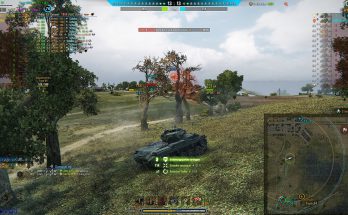
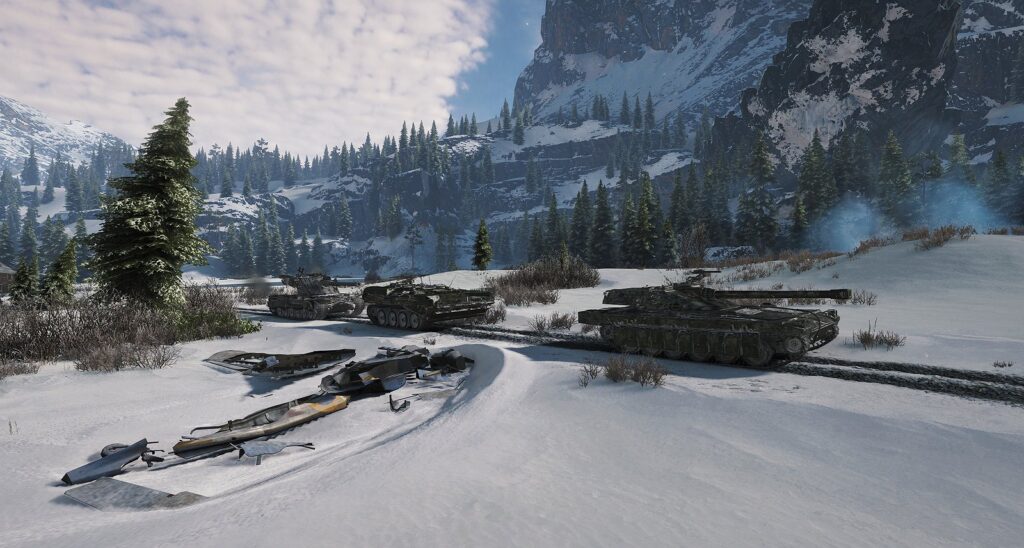
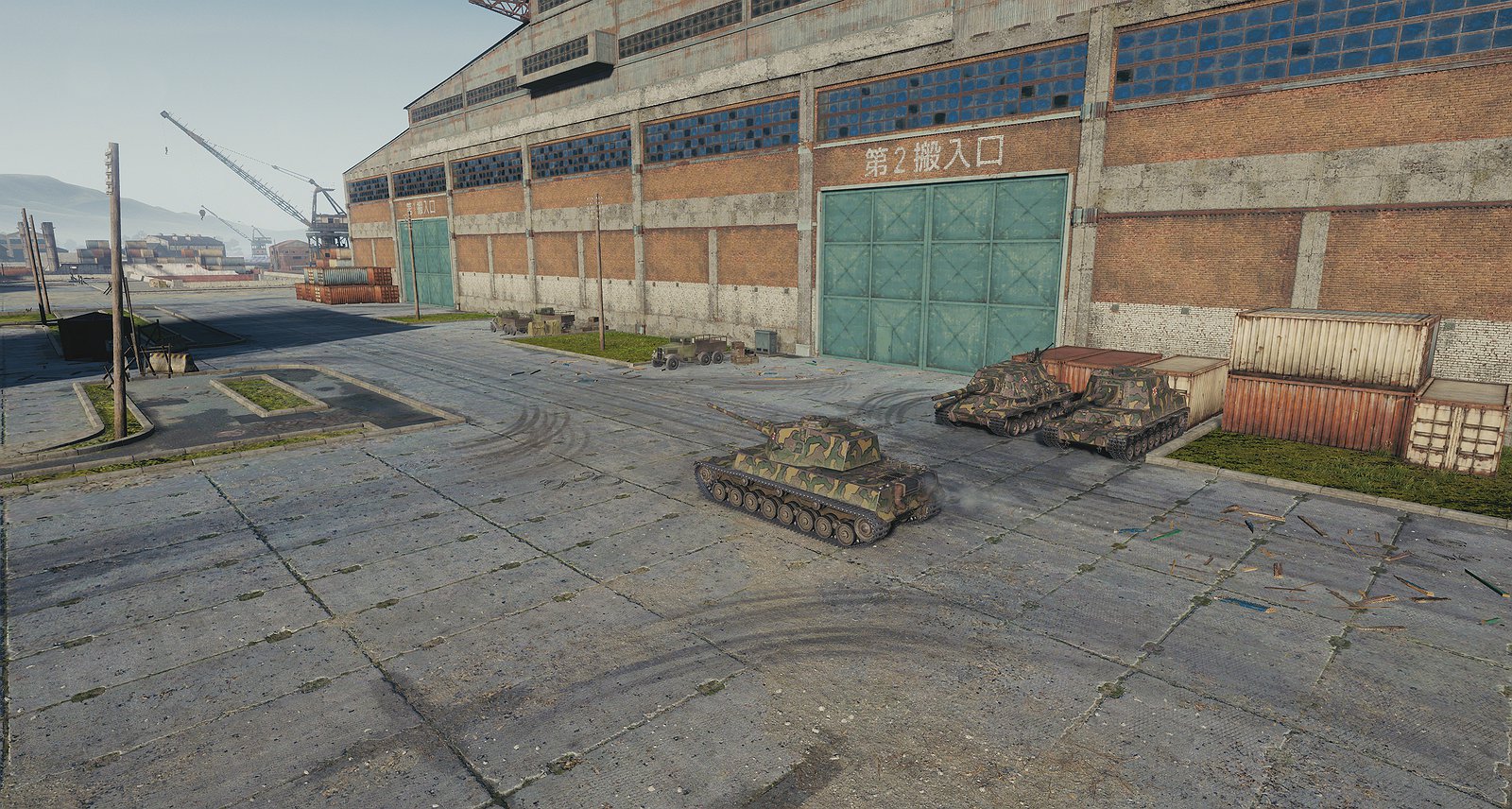
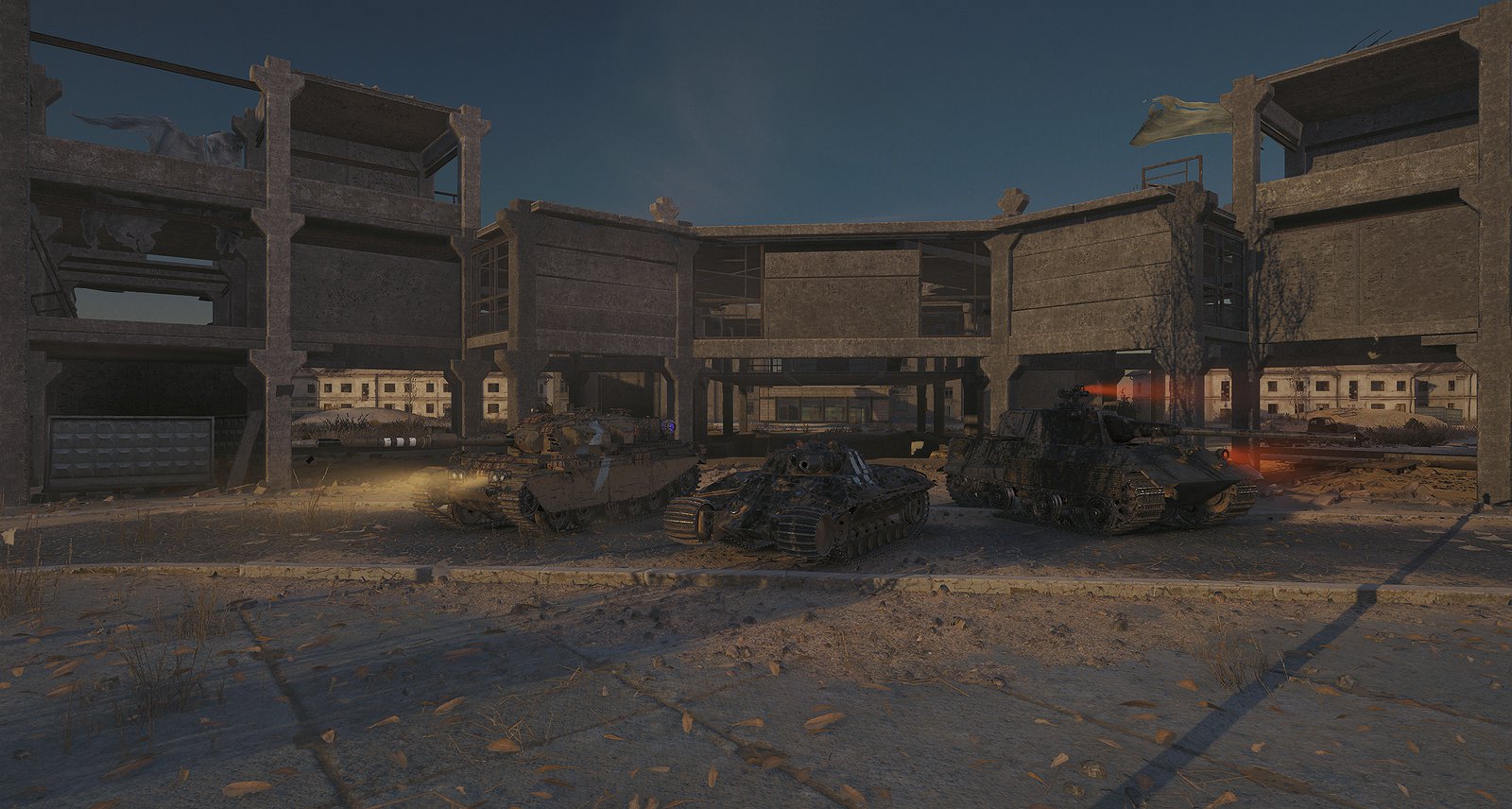
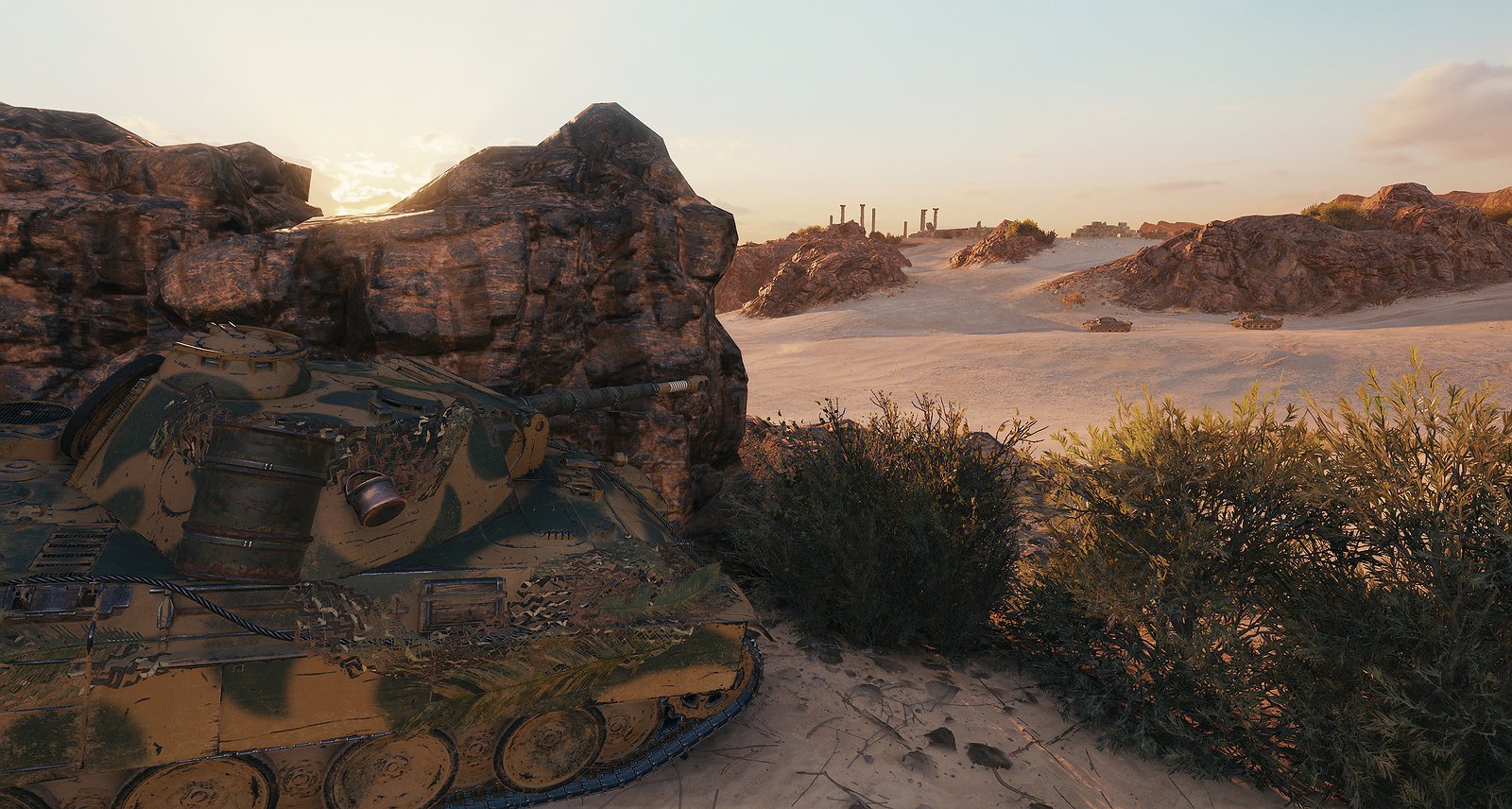
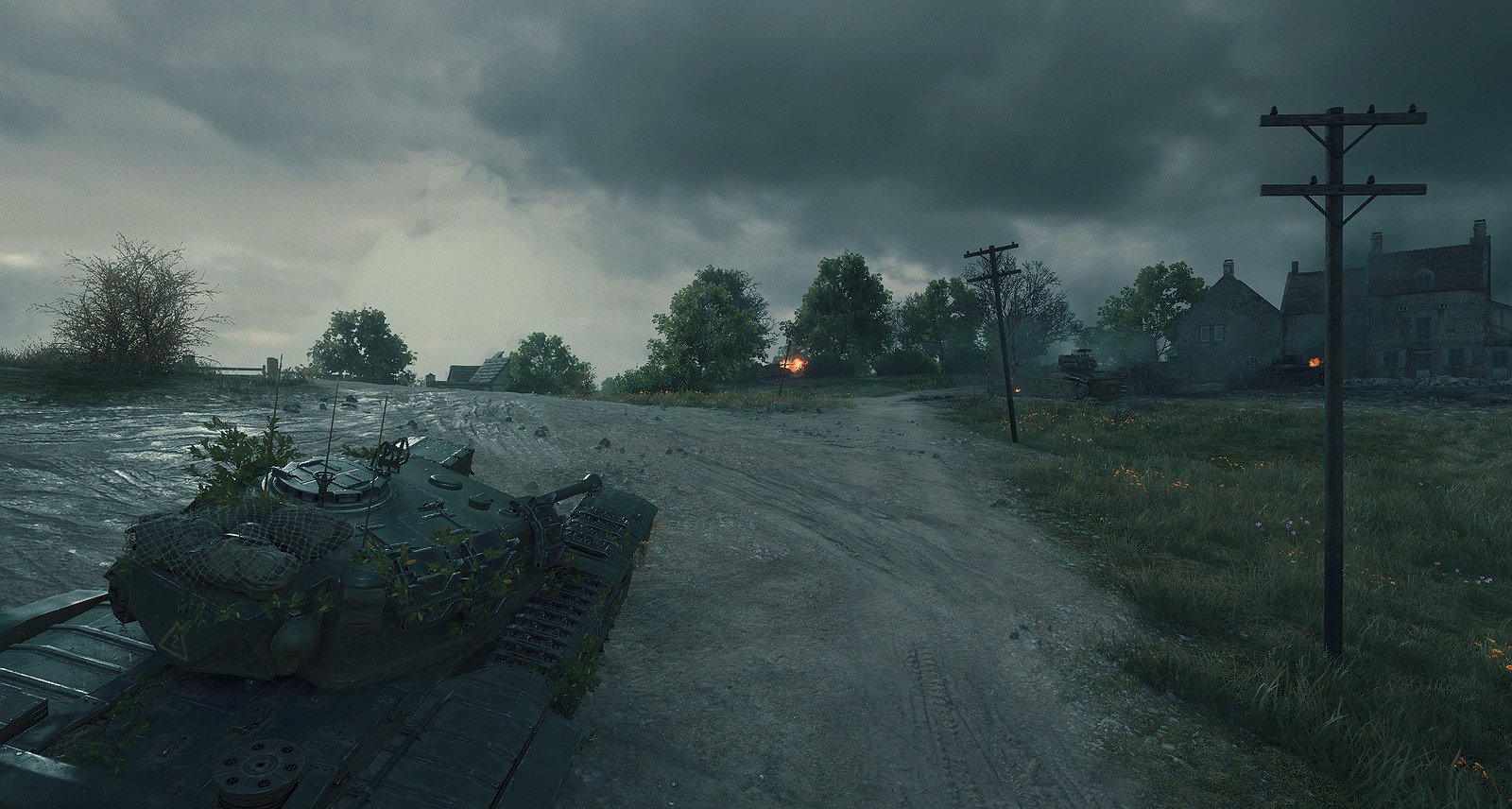
This mod includes changes to almost all available maps in the game, reworking map ambience and altering the skyboxes to give each map a new feel to it: this does NOT include event maps/hangars and will not. This includes:
– the default Hangar
– all 41 Random Battle maps
– all 3 Frontline maps
– all 3 Grand Battles maps
Here is an Imgur album showing a preview for every map: https://imgur.com/a/wot-revamped-skies-mod-preview-XDO7lNx
must make note of some issues (I’m listing these to state that I am aware of them, not that I am going to/can fix them. I’m obliged to make you aware of them for transparency):
– Reflective surfaces (notably water) still mostly reflect the ORIGINAL map appearance. This can lead to issues (most visible on Prokhorovka) but should be for the most part irrelevant
– Ambient effects. I could not figure out how to remove (or add) particles and as such these can look off with the new ambience. This most notably affects Airfield and Fata Morgana with offshore lightning
– Some maps use the “probes” folder of another map to help change the map feel but this leads to issues related to a map’s shadow grid and other elements, leading to sudden dark or illuminated spots. I actively tried to avoid this due to issues but did use this for the following maps: Abbey, Ensk, Karelia, Prokhorovka, Mines
– Himmelsdorf has a weird shadow issue where it seems that on the initial load the map will be cast in shadow in an unnatural way. Entering and exiting sniper mode seems to fix it for the rest of the battle
– While not necessarily an issue I want to make sure you’re aware that altering the feel of the map can potentially lead to some disorientation. Again I apologise for this in advance
– Since this has been a constant issue: if you’re running this with any other skybox mod (namely No Fog/Sun Glare in Aslain’s), it WILL cause issues with the skybox. Do not try to run this alongside any other sky-related mod
I want to thank the user “no one / nocac” significantly for introducing me to this, helping me learning how to do it and especially for providing older files that I did not have. I also want to thank Rom4n_ and _DEVA For playtesting the mod for me and providing feedback, as well as FastestClassic and Avalon304 For helping with screenshots for this page.
Installation
To install drag or extract the included .wotmod file into your WoT Game files and place it in the [PATCH FOLDER] in “mods”. For example: C:\Games\World_of_Tanks\mods\1.26.0.0\[WOTMOD GOES HERE]
This mod should work fine even with new updates outside of new maps being added. Even with serious map redesigns it shouldn’t run into any problems. If you want to preview it without launching into an actual battle you can always use the Topography Mode to preview a number of maps.
Credits:
Desyatnik_Pansy
Downloads
| Name | Format | Size | Description |
|---|---|---|---|
| Pansy_Revamped_Skies_Volume_1_v1.6.1.rar | RAR | 168.04 MB | 2.0.0.2 |
To start download click the filename. To open archive files use one of these programs: WinRAR, 7-Zip, WinZip. Some mod archives may need to be extracted before the mods will work.