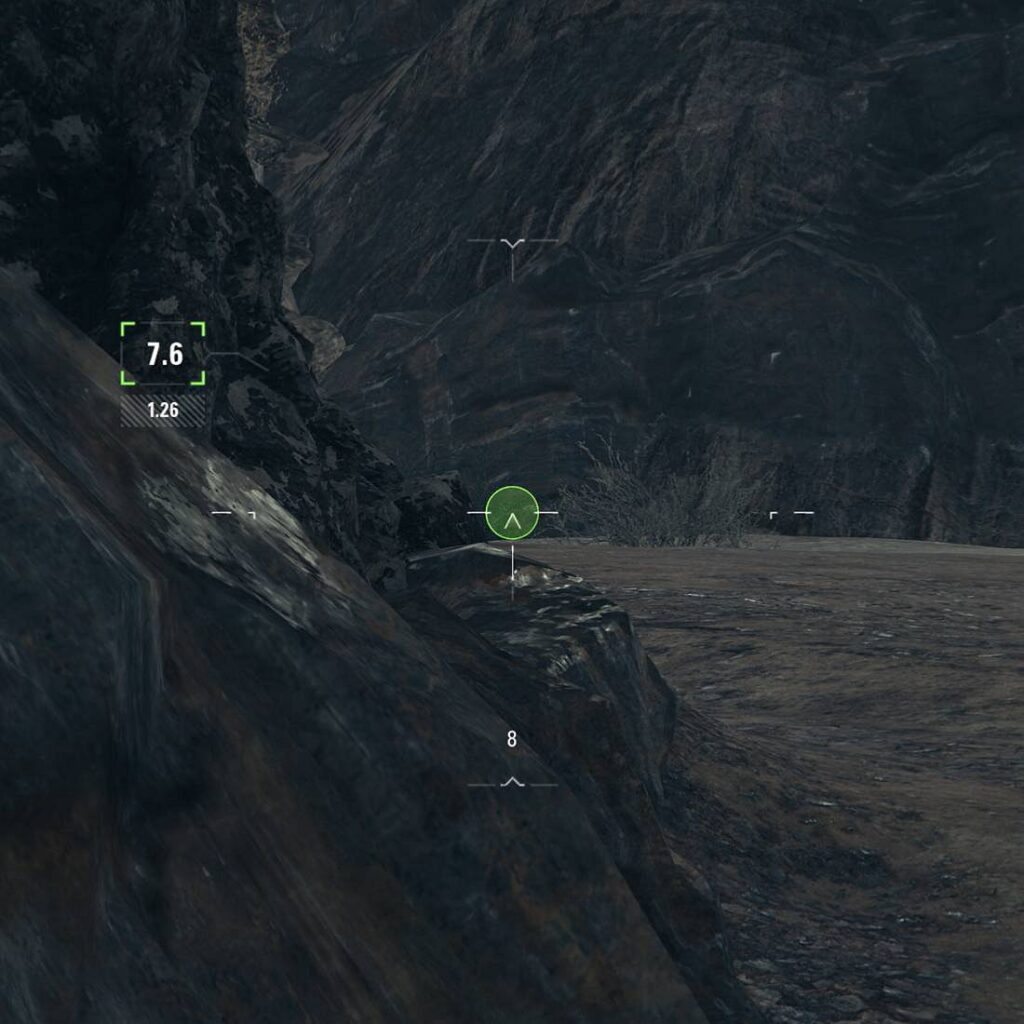
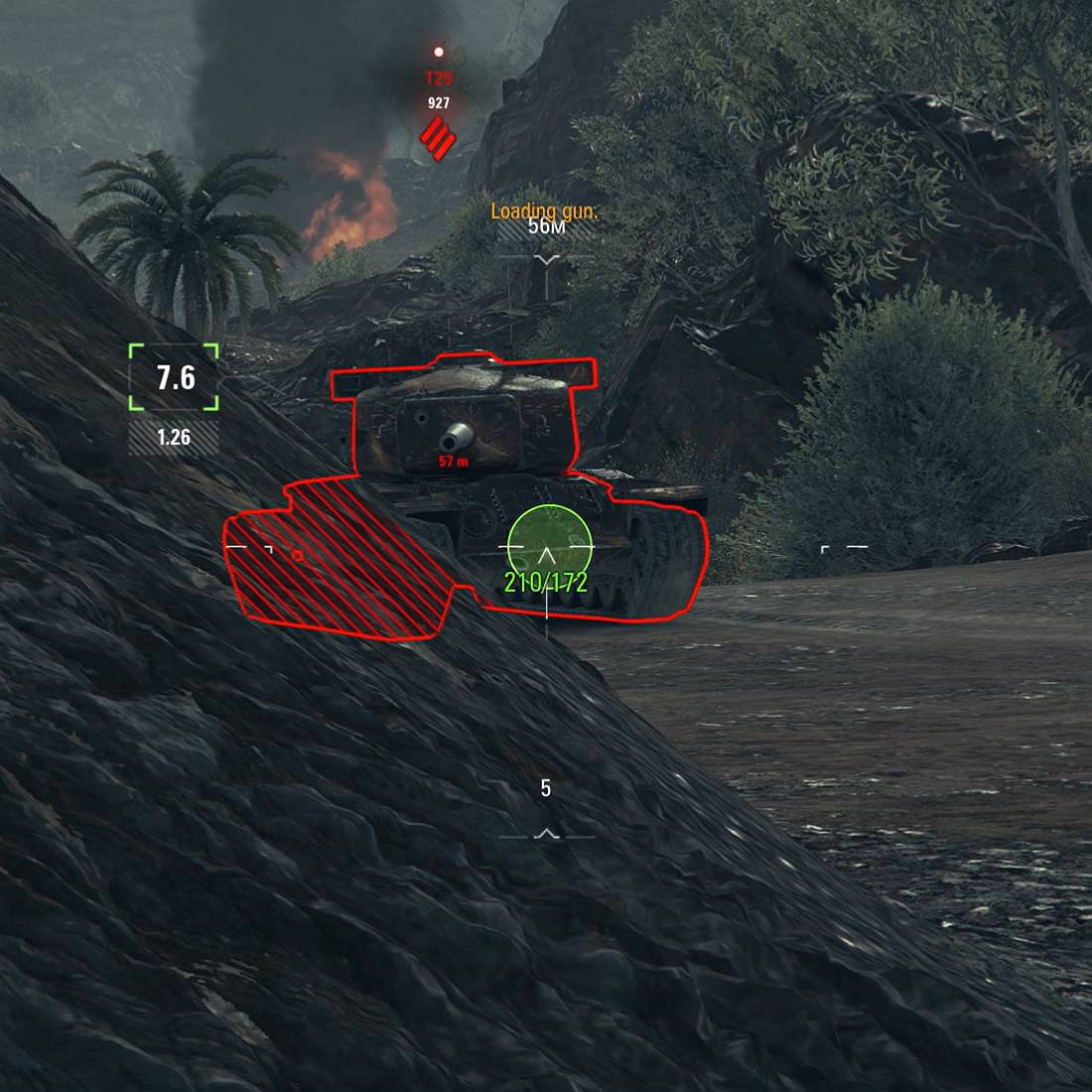
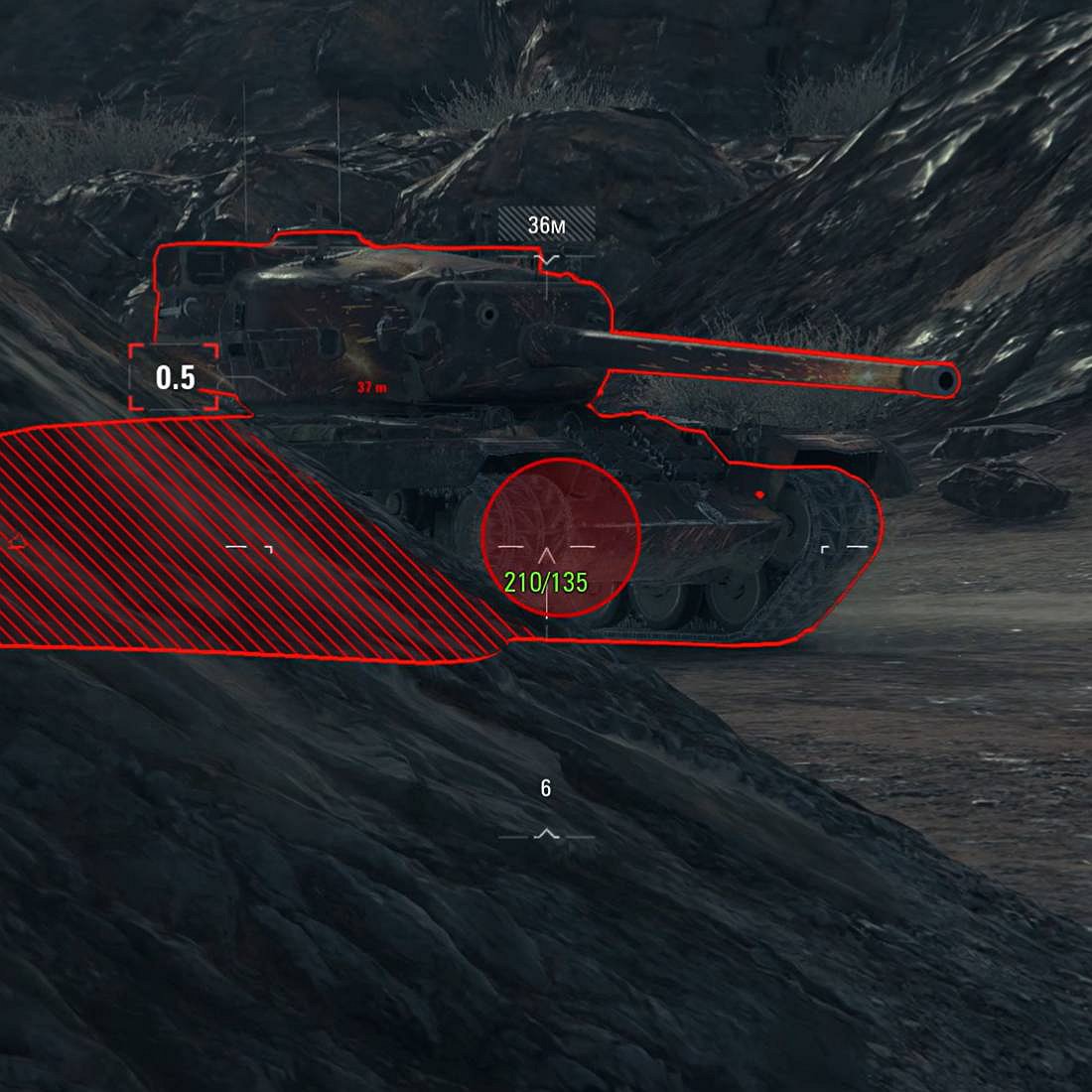
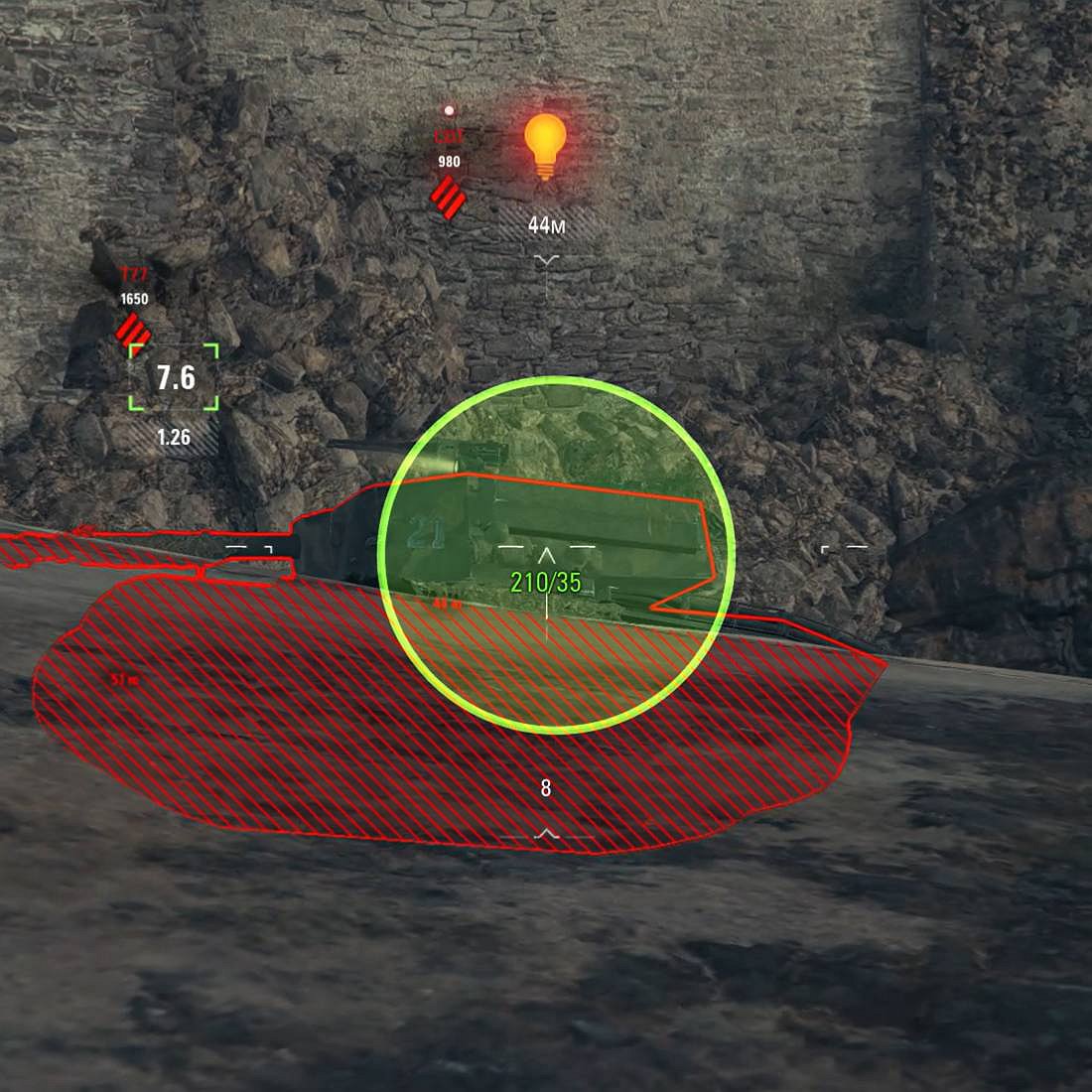
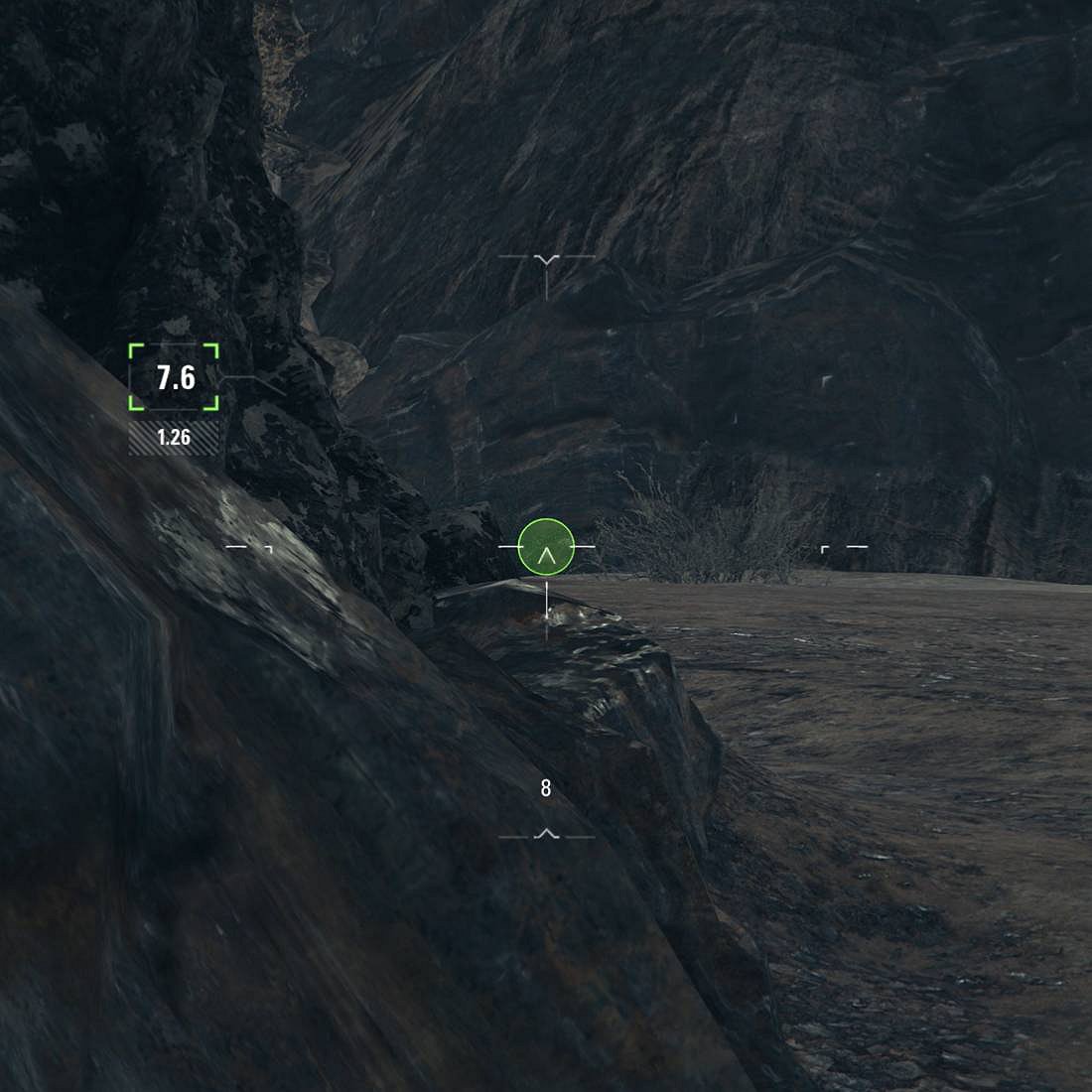
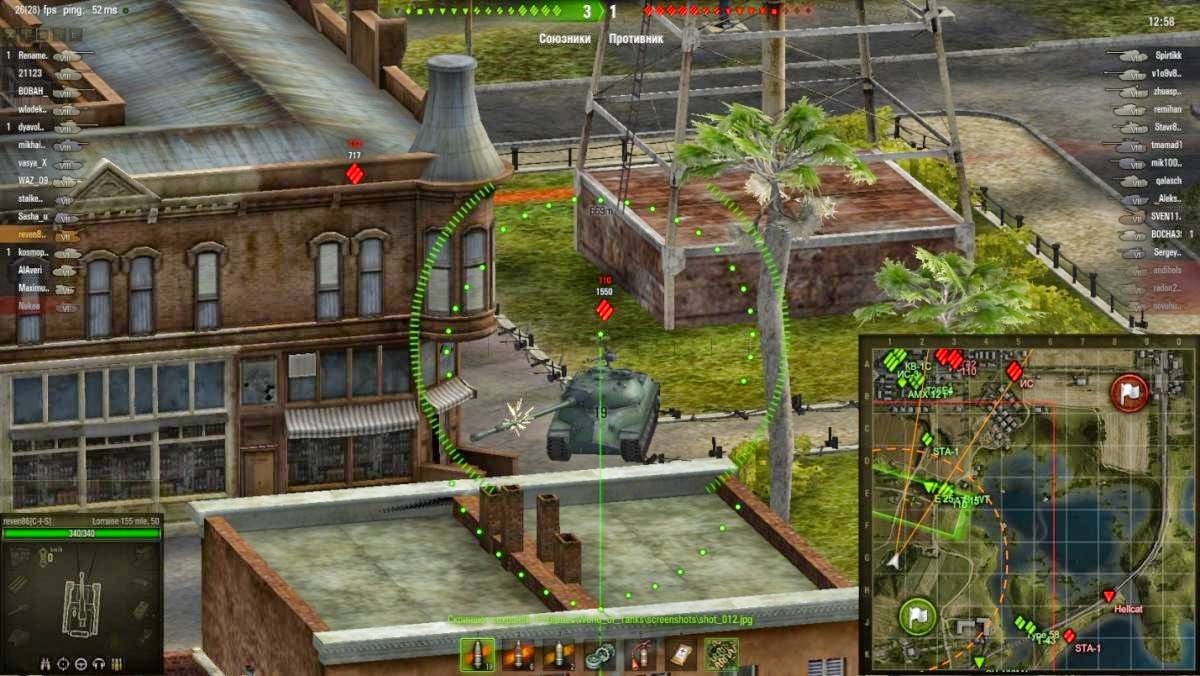
Makes the aiming circle more visible with thicker borders and a highlighted circle. Useful if you have a hard time seeing the reticle (like myself).
Works with mods that alter or reduce the reticle size.
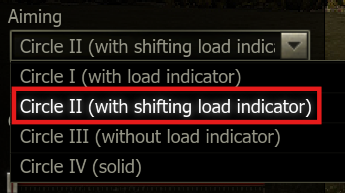
Important: This mod only works with the Circle II or III settings, it will NOT work properly with Circle I or Circle IV, see Installation for details.
For any issue or suggestions, you can contact me by joining the Official World of Tanks Discord and messaging “senarei”.
Installation:
– Unzip and copy the “res_mods” folder to your World of Tanks installation folder, merging with the res_mods folder already present.
– Delete “data.wgpdc” in the World of Tanks folder if present (cache file).
– Set “Aiming” to “Circle II” (best results) or “Circle III”.
Credits:
Juliette
Downloads
| Name | Format | Size |
|---|---|---|
| juliette.morevisible_2.4.0.0.zip | ZIP | 598.24 KB |
| me.juliette.morevisible_2.3.0.1.zip | ZIP | 582.80 KB |
| me.juliette.morevisible_2.2.1.0.zip | ZIP | 582.36 KB |
| 2.2.0.1_More_Visible_Aiming_Circle_By_Juliette.zip | ZIP | 574.95 KB |
| 2.2.0.0_More_Visible_Aiming_Circle_By_Juliette.zip | ZIP | 574.95 KB |
| 2.1.1.2_More_Visible_Aiming_Circle_By_Juliette.zip | ZIP | 575.81 KB |
| 2.1.0.2_More_Visible_Aiming_Circle_By_Juliette.zip | ZIP | 416.45 KB |
| 2.0.0.0_More_Visible_Aiming_Circle_By_Juliette.zip | ZIP | 416.07 KB |
To start download click the filename. To open archive files use one of these programs: WinRAR, 7-Zip, WinZip. Some mod archives may need to be extracted before the mods will work.
le mod viseur Abrams n’est pas aurendez-vous ?? merci a vous
i need your Crosshair mod,thx
i need your Crosshair mod,thx