⚠️ Purchase safety
Camo Selector does not let you purchase customization items that you could not normally buy or apply. Preview-only and local customization changes remain local.
🎨 Universal Customization
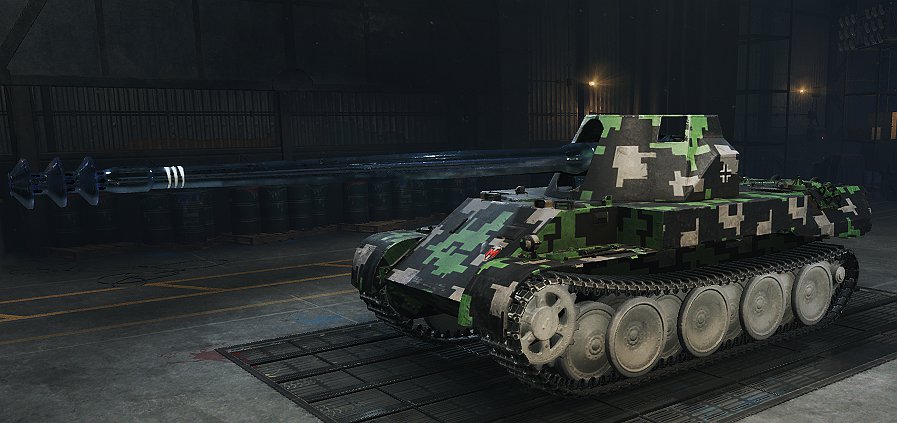
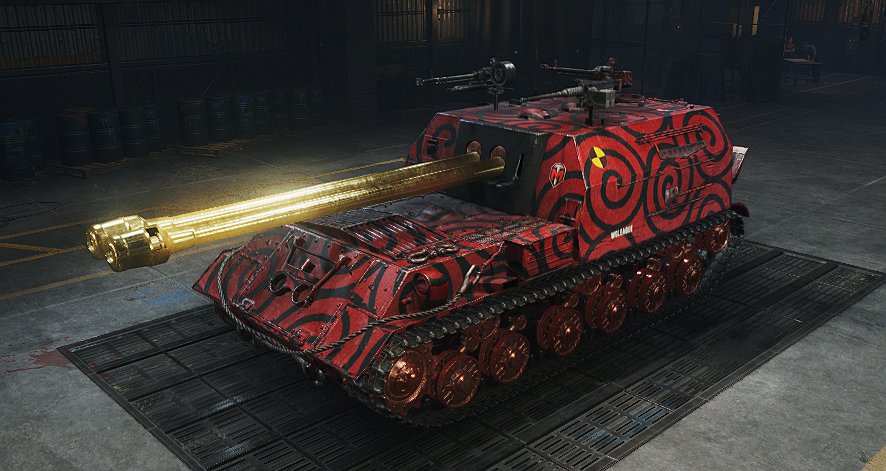
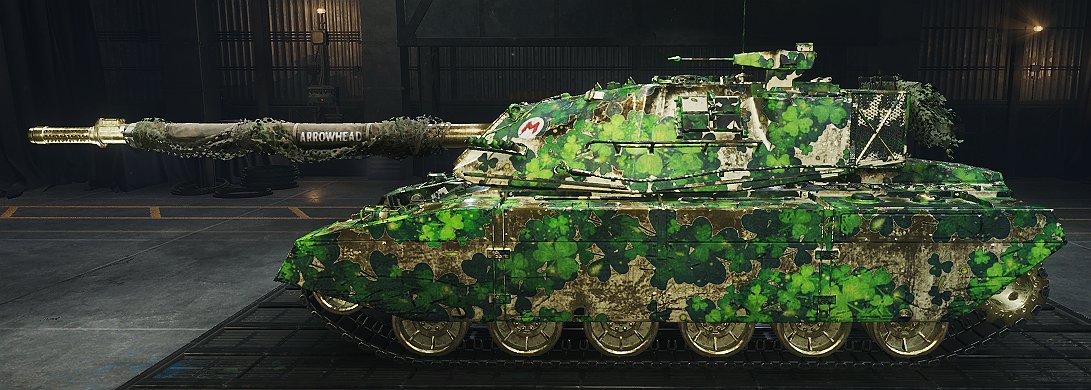
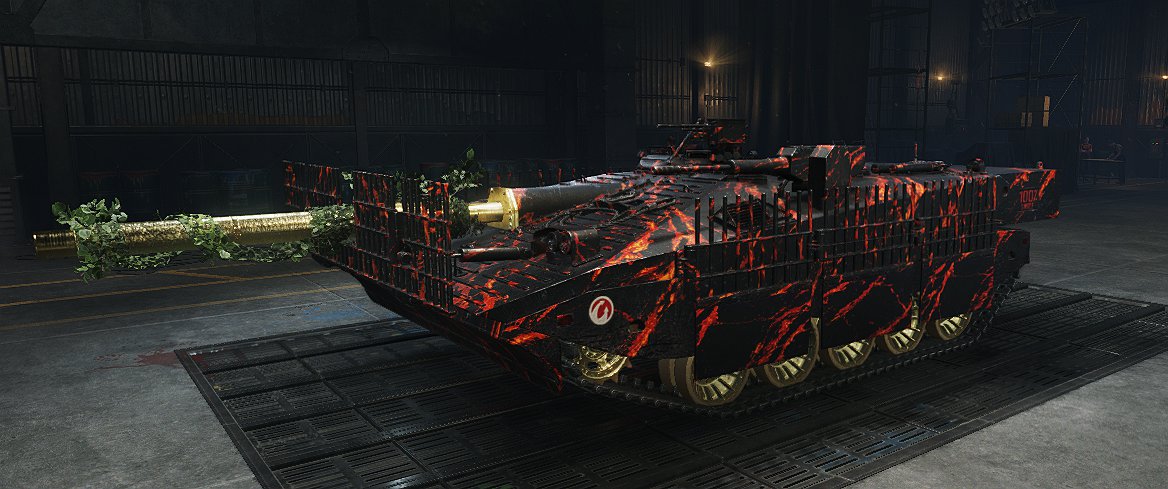
Customize vehicles with a much wider selection of customization elements:
• 2D styles
• Camouflages and paints
• Projection decals and legacy decals
• Inscriptions and emblems
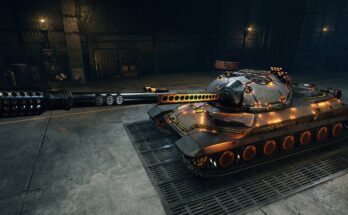
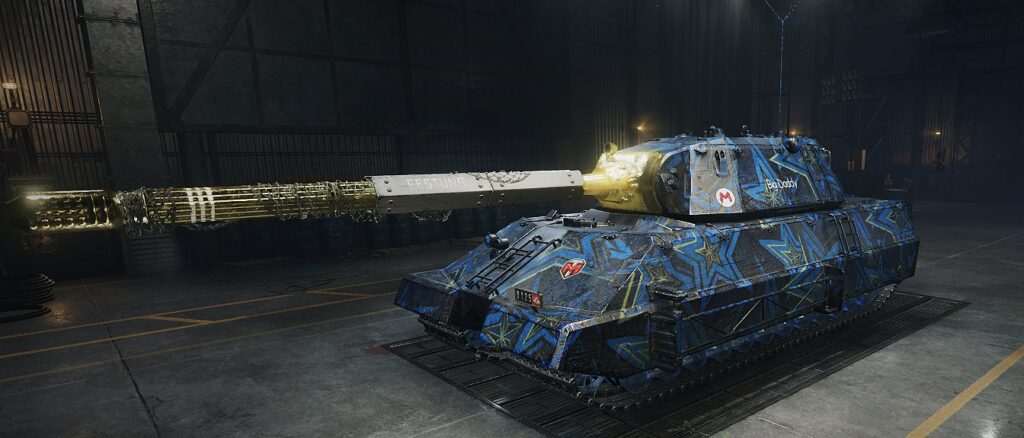
• Compatible 3D and progressive 3D styles
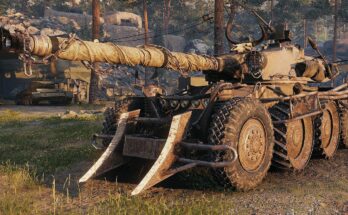
• 3D attachments, personal numbers, stat trackers and effects
Compatible unowned 3D styles can be selected for local customization, but their normal vehicle and model restrictions still apply.
A 3D style can be combined with projection decals, emblems and inscriptions. Selecting an incompatible category replaces the 3D style.
Decals, emblems and inscriptions still require genuine placement slots on the selected vehicle.
🌐 Style Share
Other players using Camo Selector can see your shared custom appearance in battle.
Style Share is enabled by default and can be switched on or off from Exterior.
Outfits containing local custom assets remain local-only. Their texture files are not transmitted through Style Share, and players without the mod see the normal server appearance.
✨ Creations
Open Exterior, click Custom Assets (open) and select the Creations tab.
You can:
• Save, apply, refresh and duplicate complete vehicle designs
• Add titles, descriptions, tags and classifications
• Search and import approved public Creations
• Publish your own Creations for moderation
• Publish and import individual Asset Library items
• Publish and import complete Vehicle Presets
Creations and Vehicle Presets can include the local custom assets they require. Imported assets are installed locally and automatically remapped for your client.
Imported Vehicle Presets remain locked so that they stay identical to the approved version. You can duplicate one into an editable local Creation.
Nothing from your Asset Library or Creations collection is published publicly unless you explicitly choose to publish it.
Public gallery and Asset Library:
https://camoselector.wot-tools.dev/
🧩 Custom Assets
Open Exterior and click Custom Assets (open) to create or import:
• Emblems
• Inscriptions
• Projection decals
• Camouflages
• Paints
Supported texture sources:
• PNG and JPG files are converted automatically for supported asset types.
• Valid DDS files are accepted directly.
• Animated GIF and animated WebP files are supported for camouflages and projection decals.
• Animated files may be up to 512 × 512 and are processed in the background with visible progress.
Renderable DDS textures must use BC3/DXT5 compression with the dimensions and mipmaps required for their selected asset type.
Projection decal ratios:
• 1:1
• 1:2
• 1:3
• 1:4
• 1:6
Custom camouflages support scale, rotation, exact numeric input and either full-colour or three-palette mask rendering.
Custom paints support colour, gloss and metallic values.
🛠️ How to use
1. Open Exterior.
2. Ensure Camo Mixer: ON is shown.
3. Apply and confirm an owned 2D style, compatible 3D style or hull camouflage at least once. This provides the normal server-owned appearance that authorizes the local override.
4. Reopen Exterior.
5. Apply the styles, camouflage, paint, decals, attachments, inscriptions, emblems or effects you want.
6. Leave Exterior with Escape to keep the locally saved appearance.
Switching from an applied 2D style into custom editing preserves its appearance.
Only natively valid, owned changes can be sent through Purchase & Exit. Other Camo Selector changes remain local.
✨ Recommended mods
Exterior Studio – an optional redesigned Exterior interface with search, filters and favourites. Compatible with Camo Selector 3.1.2 or newer; Camo Selector also works without it.
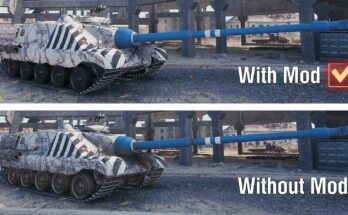
Clean Camo:
Clean Camo – HD Version / Part 1
Clean Camo – HD Version / Part 2
Clean Camo – HD Version / Part 3
Extra Style Filters
Extra Style Filters: Turn Customization into a Pleasure!
Tired of sifting through hundreds of styles trying to find that perfect look for your tank? Dreaming of a fast and convenient filtering system? Meet Extra Style Filters — a mod that will revolutionize your approach to customization in WoT!
What you’ll get:
Favorites in two clicks. Add your favorite styles to the «Favorites» list directly from the context menu — no need to remember names or search for them again.
Smart filtering. Four powerful filters help you instantly find the style you need:
«Favorites» — your top choices are always at your fingertips;
«Search by name» — type a few letters and find the style in seconds;
«Can be sold» — quickly filter out styles you’re ready to put up for sale;
«For current tank only» — see only the options that fit your specific vehicle.
Quick style removal. Easily remove styles applied to other tanks right from the context menu — no more running around the garage!
Why is this a must‑have mod?
Time‑saving. Forget about endless scrolling — the styles you need are just a couple of clicks away.
Convenience. All controls are in one context menu, with no extra transitions or settings required.
Support, questions and suggestions:
https://discord.gg/DqZ8fuX43C
Patreon:
https://www.patreon.com/c/Gravity_Assist
Credits:
Gravity_Assist
Downloads
| Name | Format | Size |
|---|---|---|
| gravity.camo_selector.2.4.1.0.3.2.4.zip | ZIP | 1.88 MB |
| panikaxa.wot_.extra_style_filters_1.0.3.zip | ZIP | 215.57 KB |
To start download click the filename. To open archive files use one of these programs: WinRAR, 7-Zip, WinZip. Some mod archives may need to be extracted before the mods will work.